


Three ravens: a form, a town and a post office
RavenMail, theraven.my and The Raven Social: a contact form, a town where you post by email and a post office for letters. How the three ravens lean on each other, what they share, and a note that the third one is still being finished.
I've written here before about RavenMail and theraven.my, two small sites built around email. There's a third one now, The Raven Social, and the three were made to lean on each other. This post is about how they fit together.
A note before you go knocking: I'm still finishing The Raven Social, so it doesn't work properly yet. The site is up, but the email side, which is most of what it does, isn't fully connected, and joining needs an invitation. The other two are open and working.
The short version of the family:
- theraven.email, or RavenMail, handles the mail people send you.
- theraven.my is where you publish what you write.
- theraven.social is for writing back and forth with a few people.
All three do their real work in your inbox. The websites are there for reading, for the first visit, and for anyone who prefers to click.
RavenMail carries the mail #
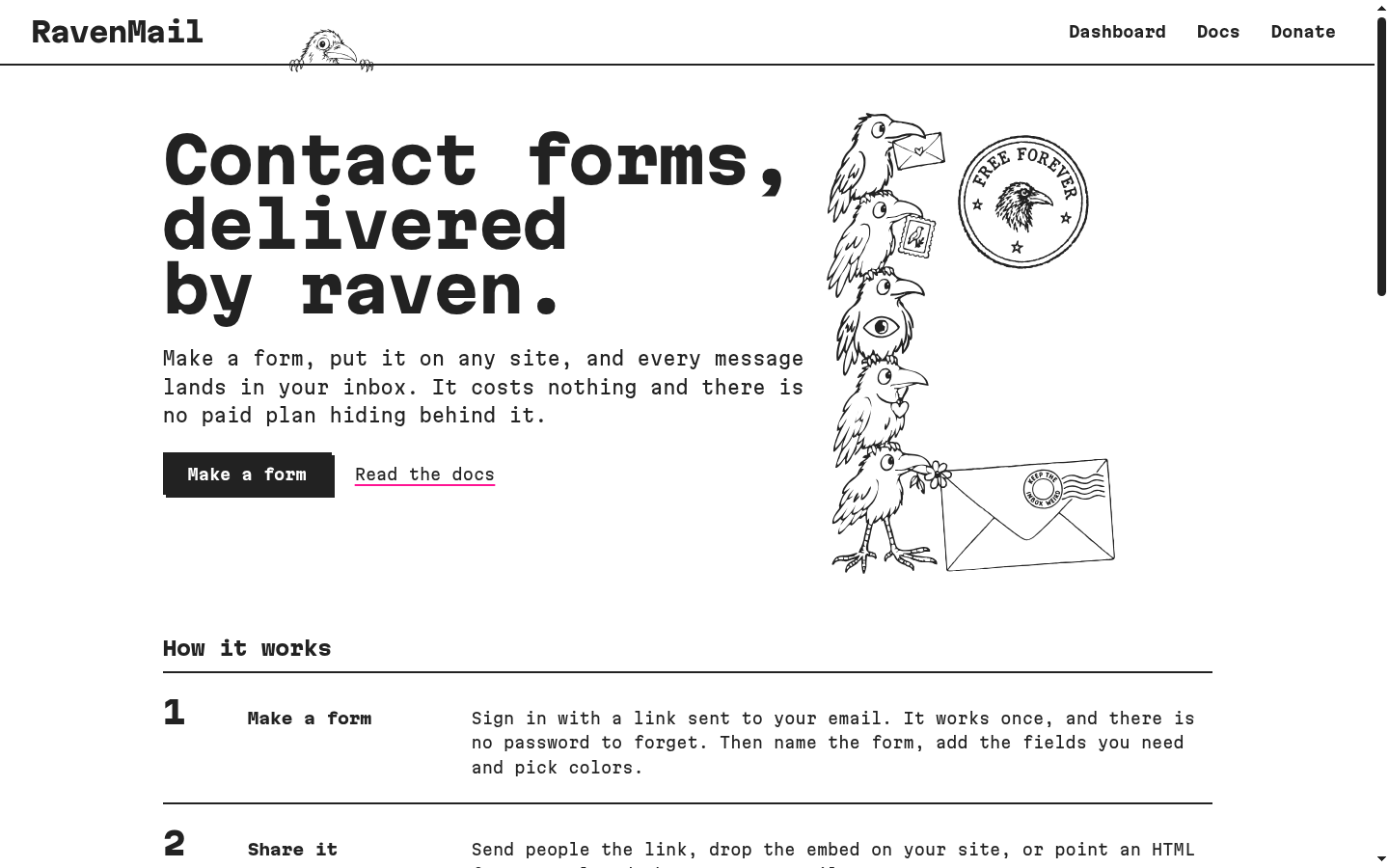
RavenMail makes contact forms that deliver to your inbox. You sign in with a link that works once, build a form and share it in one of three ways: as a page of its own, as one script tag on your site, or by pointing an HTML form you already have at it, with no JavaScript at all. Messages arrive with Reply-To set to the sender, so answering is just pressing reply.
Every account gets everything, because there's no paid plan: up to 10 forms, 20 custom fields per form in nine types, attachments, webhooks in JSON or straight to Discord and Slack, your own colors and CSS, labels in English, Portuguese or Spanish, and up to three verified recipients per form. The limit is 10 messages a day and 250 a month per account, which covers a personal site and keeps the email bill small enough for donations to pay. Spam is handled without Google or Cloudflare: the visitor's browser solves a short proof of work after pressing send, and a hidden trap field, a signed timestamp and per-connection limits do the rest.
RavenMail also does a quieter job for the family. It lends its domain to the town, and it has a small partner API that theraven.my uses. More on that below.
theraven.my is the town #
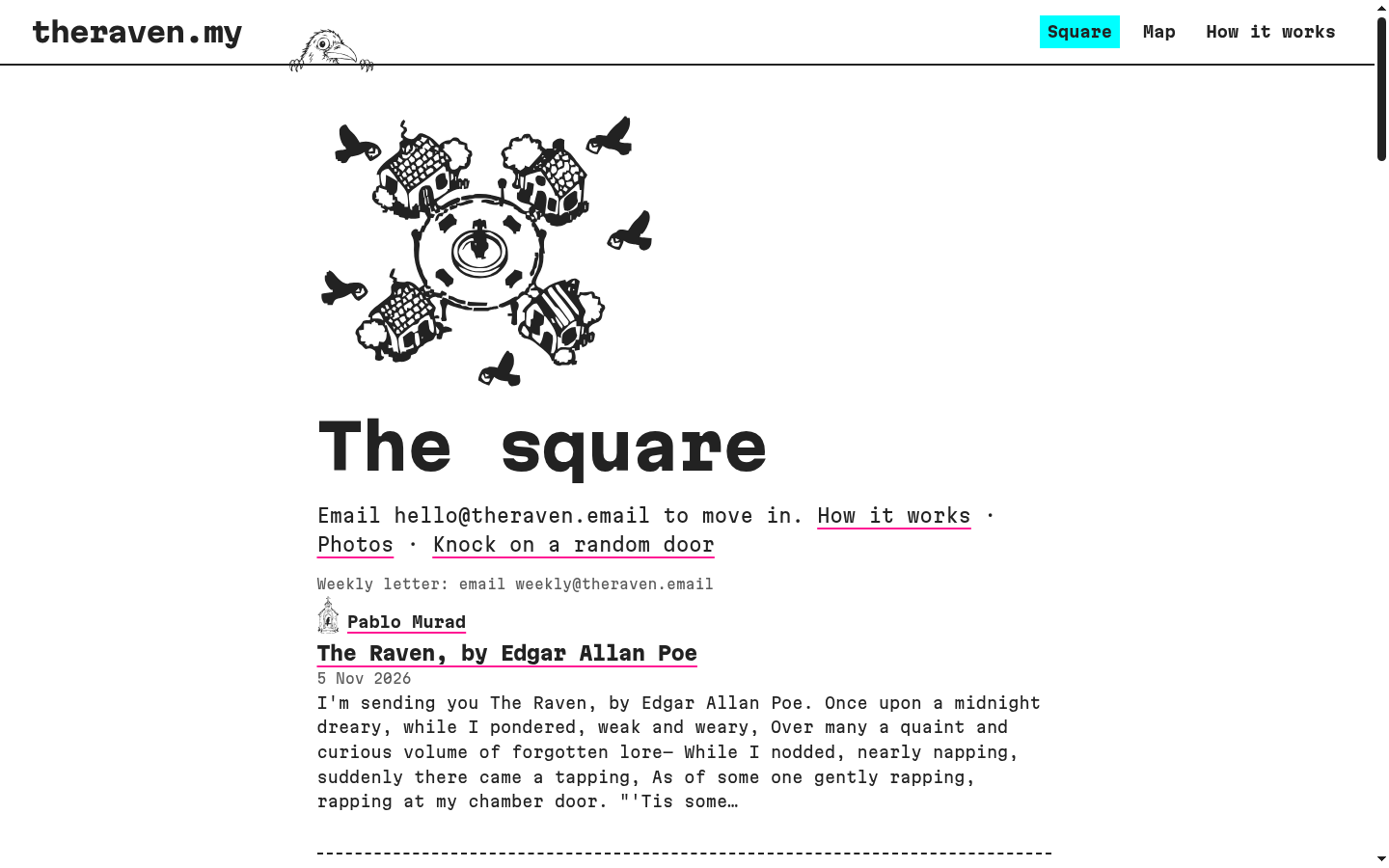
theraven.my is a public blog where your inbox is the whole tool. You move in by writing to hello@theraven.email with the name you want in the subject, confirm with a yes, and the welcome email brings your secret posting address. From then on, the subject of an email becomes the title, the body becomes the post, and up to four attached images come along. Replying to the email that brings the post's link edits the post, and replying delete removes it.
It has grown a bit since I first wrote about it. Starting a subject with #photos turns the email into an album, and every picture also lands in the town album. You can follow a house by writing to follow+name@theraven.email, or get the whole town once a week from weekly@theraven.email. Every house and post has an Atom feed and a Markdown copy, and the whole town answers to curl theraven.my in a terminal, houses drawn in text included.
Where the first two meet #
Look at the addresses in the section above: the town lives at theraven.my, but all of its mail goes through theraven.email. Moving in, commands, follows and the weekly letter all use RavenMail's domain, and both sites send through the same mail account.
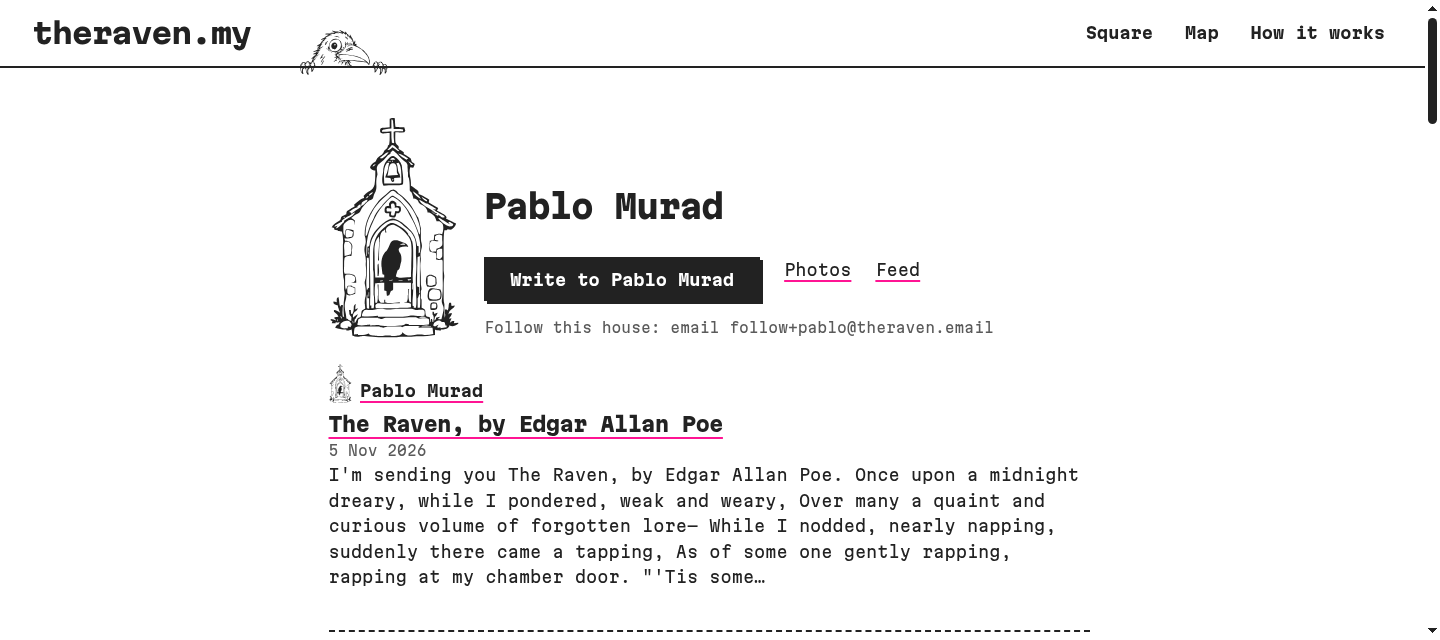
The closer link is the button on every house. A blog written by email has an obvious gap: a reader who likes a post has no way to answer without the author's address. So when someone moves into town, theraven.my asks RavenMail, through that partner API, to create a contact form for them, and the house shows it as a "Write to" button. When the resident leaves, the form goes away with them. The resident can also sign in to RavenMail and change that form like any other.
The town later got its own way to talk, too. Every post shows a letters address, reply+something@theraven.email, and a letter sent there reaches the author with both addresses hidden, in the headers and inside the text. The two paths do different things. The RavenMail form is the doorbell: quick, from the web, and the author can reply straight to you. Letters are the conversation, where neither side ever sees the other's email.
The Raven Social is the post office #
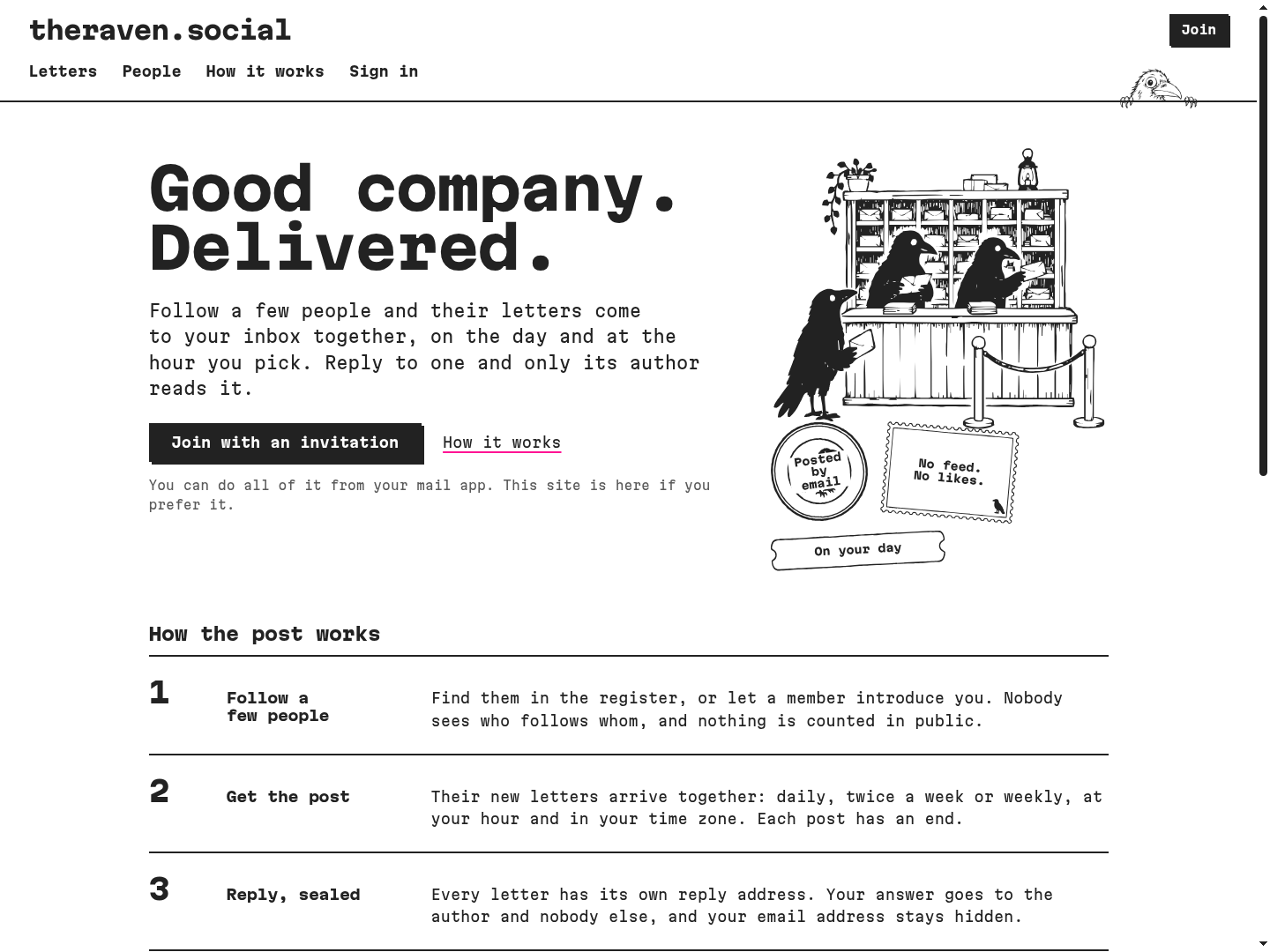
The third raven takes the idea of letters and builds a whole place around it. Its tagline is "Good company. Delivered." Members write public letters by email, and they follow a few people. Instead of a feed, the letters of the people you follow arrive together in one email, the post, daily, twice a week or weekly, at the hour you pick in your own time zone. Each post has an end. Letters that don't fit are listed by title, nothing piles up for later, and the last line is "You're all caught up."
Replies are sealed. Every letter in the post has its own reply address, so your answer reaches that author and nobody else, and neither of you sees the other's email address. To find people, there's a register you can browse on the web or receive by email, and members can introduce two people to each other, with a conversation opening only if both say yes.
The list of what it doesn't have is on the front page: no endless feed, no likes or rankings, no public follower counts, no read receipts or tracking pixels, no ads, no recommendations tuned to keep you scrolling, no AI writing or summarizing letters, and no app to install. After joining, everything works from an ordinary mail client, from writing a letter to changing your schedule with an email like daily at 07:30.
A few decisions under the hood are worth telling, because they show the same taste as the other two:
- Letters are stored as a small plain-text format, never as HTML. Anything the parser doesn't recognize is just text, so there's no markup to sanitize, on this server or on any other.
- Publishing by email always takes two messages: you send the letter, it replies with a preview that says exactly who will be able to read it, and nothing goes out until you confirm.
- Servers can federate, so other communities can run their own and connect. It doesn't use ActivityPub. It speaks its own small protocol,
raven-social/1, with five activity types and signed requests, because half-supporting ActivityPub would make people expect a Mastodon compatibility that can't be honestly promised. - The site is upfront about its limits. A letter already emailed can't be recalled. Sealed replies are not end-to-end encrypted, so the people running a server can technically read stored messages. And "sent" only means a mail server accepted it, not that it reached an inbox.
What all three share #
They run on the same server, send mail through the same account, and look like one family on purpose: black line drawings, a raven peeking over the header, a row of ravens sitting on the footer wire, and a monospace face everywhere. Some of the drawings are literally the same files, copied from the town into the post office. None of the three has ads or tracking, and none has a paid plan. They're paid for by donations, and RavenMail has a Donate link at the top of the page.
The Raven Social is already open source, under the AGPL. Like everything else I make outside work, the other two are free to use, and their code gets opened as they mature.
Trying them #
- For a contact form, sign in at theraven.email and make one.
- To move into town, send an email to
hello@theraven.emailwith the name you want for your house in the subject. Or just read the square and knock on a random door. - For the post office, have a look at how it works. Joining needs an invitation, and as I said at the top, the mail side is still being finished.