


Three small computers looking for neighbors
I look after three small public Unix machines and all of them have room for you: runv.club on Debian, noctem.cafe on OpenBSD and Noctem 9 on Plan 9. Shell accounts, tilde pages, Gopher, Gemini, IRC and no algorithm. Pick one and come say hi.
I look after three little public computers, and all three have room for you.
They're pubnixes, short for public Unix systems: machines that a bunch of people share over the internet. You get an account, a home folder, a shell and a web page at an address with a tilde in it, like server/~you. There's no feed, no likes, no algorithm and nothing to scroll. Just files, text, links and whoever else happens to be logged in.
Each of the three runs a different operating system, which means each one is a different kind of fun. One is a friendly Linux box with a long list of goodies, one is a quiet OpenBSD machine, and one runs Plan 9, the operating system Bell Labs made after Unix. Pick one, or knock on all three.
runv.club, the busy one #
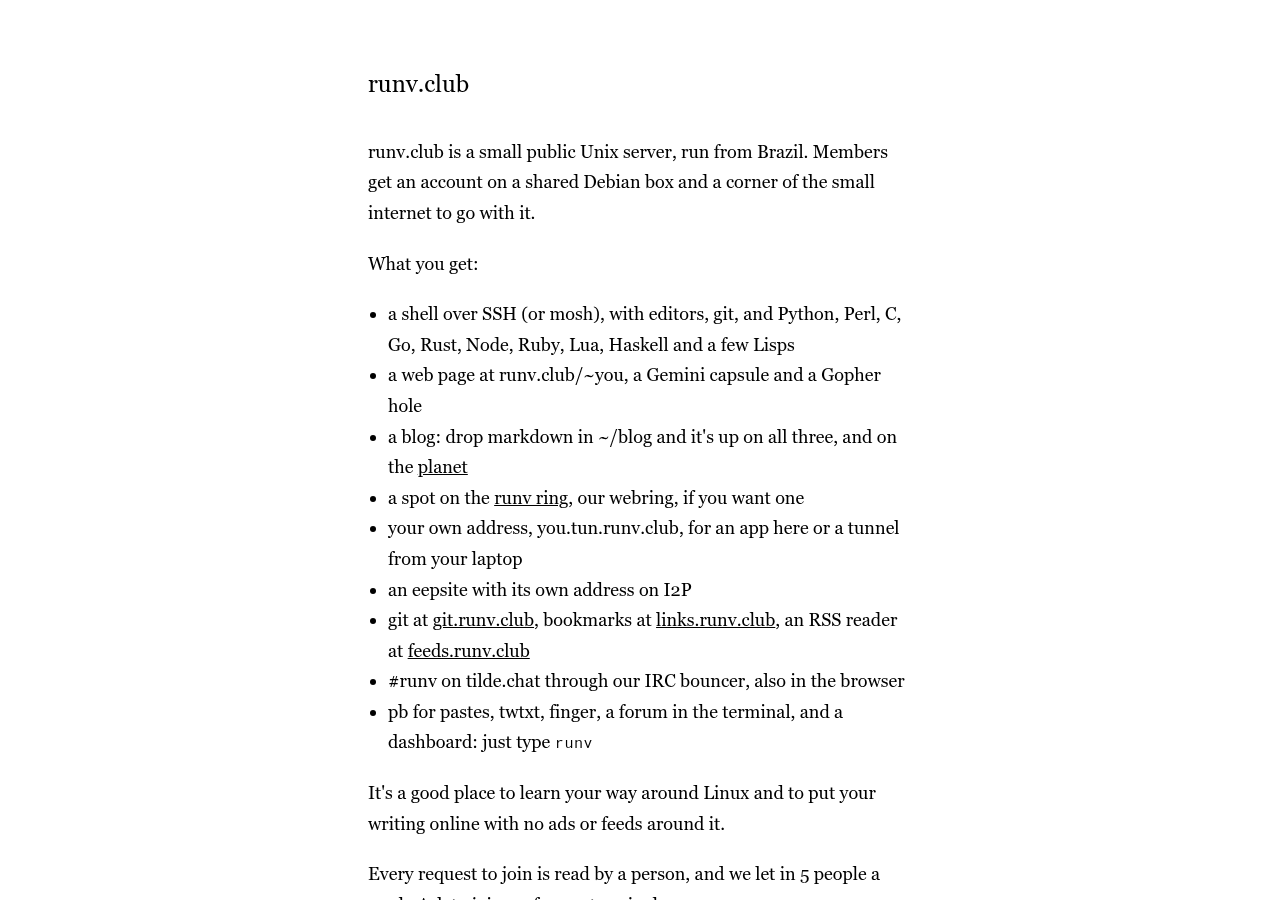
runv.club is a small public Unix server run from Brazil, on Debian. It's the one with the most toys, and it's a good first pubnix if you've never had a shell account anywhere.
When you join, you get:
- a shell over SSH or mosh, with editors, git and a pile of languages: Python, Perl, C, Go, Rust, Node, Ruby, Lua, Haskell and a few Lisps
- a web page at
runv.club/~you, plus a Gemini capsule and a Gopher hole - a blog that writes itself: drop Markdown files in
~/blogand they show up on the web, Gemini and Gopher at once, and on the planet that gathers everyone's posts - a spot on the runv ring, our webring
- your own address at
you.tun.runv.club, for an app running there or a tunnel from your laptop - an eepsite with its own address on I2P
- private Git, a bookmark keeper and an RSS reader
- a seat in #runv on tilde.chat, through our IRC bouncer, so you stay in the room even with the laptop closed
- pastes, twtxt, finger, a forum that lives in the terminal, and a dashboard: just type
runv
The planet is still empty. Your first post would be the first post on it, which is a nice thing to be able to say.
It's also a great place to learn Linux without breaking your own computer. Every request to join is read by a person, and we let in five people a week, so the place grows slowly. You need to be 16 or older and have an SSH key. Ask at the join page, or straight from a terminal:
ssh join@runv.clubIf you want the backstory, I wrote about why we brought runv.club back after the first version closed.
noctem.cafe, the quiet one #
noctem.cafe is a shared Unix machine running OpenBSD, hosted in Minas Gerais. It's small on purpose. Where runv is a busy club, noctem.cafe is a café at night with a couple of tables and a good lamp.
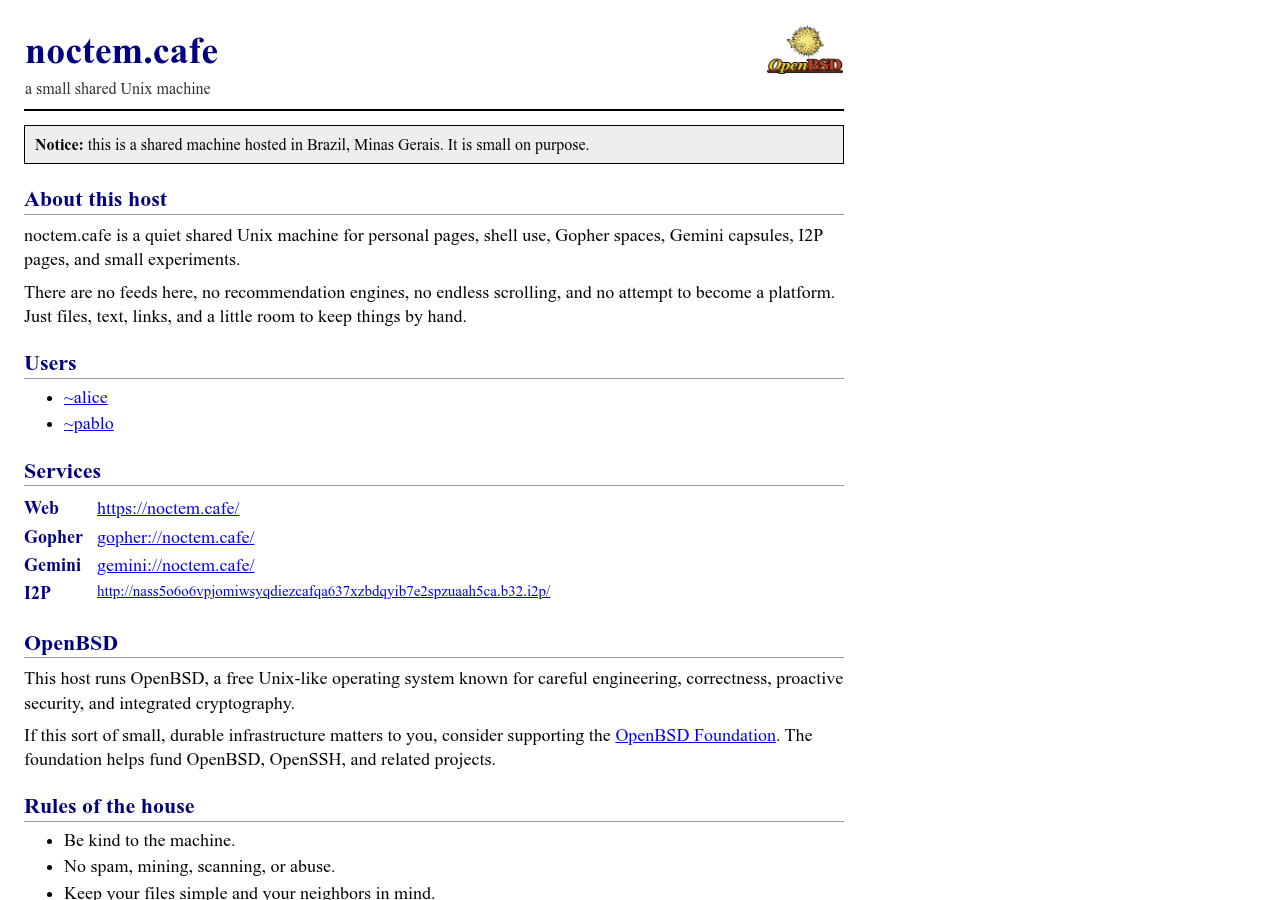
It's a place for personal pages, shell use, Gopher spaces, Gemini capsules, I2P pages and small experiments. Every page is reachable on the web, on Gopher, on Gemini and through I2P.
OpenBSD is known for careful engineering, good manual pages and a strong focus on security. If you've always been curious about it, a shell account on someone else's OpenBSD box is the gentlest way in. You can read man pages that actually explain things, poke at ksh, and see how a system feels when everything was designed by the same people.
The house rules fit in three lines: be kind to the machine, no spam, mining, scanning or abuse, and keep your files simple and your neighbors in mind. Right now there are only two users, so there's plenty of room at the counter. There's no signup form yet. If you'd like a home there, send me a message on Mastodon at @pmurad@murad.social and tell me a little about what you'd do with it.
Noctem 9, the strange one #
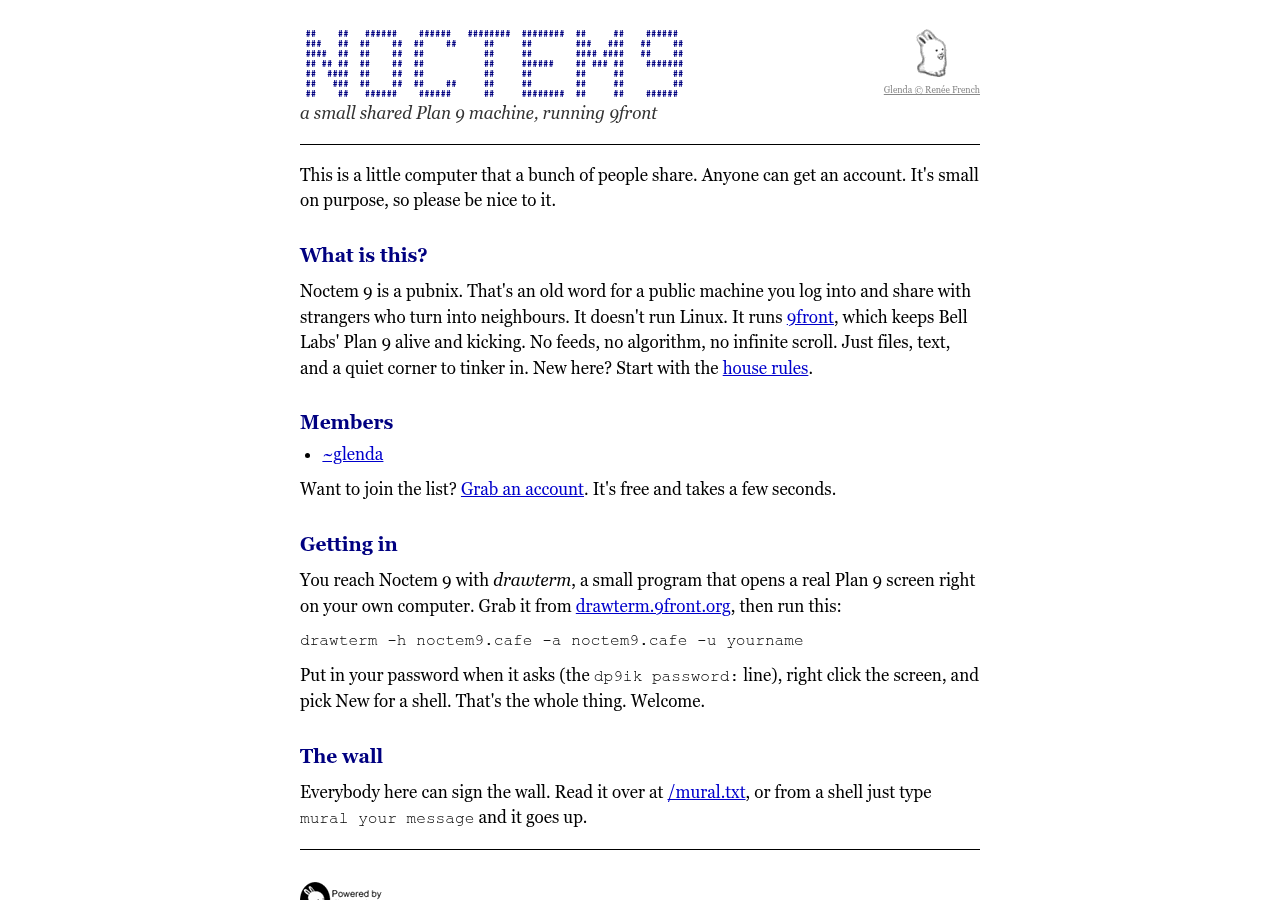
noctem9.cafe doesn't run Linux or BSD. It runs 9front, the living fork of Plan 9 from Bell Labs, the system where everything is a file, the windows are made by rio and the mouse has a lot more to say than on any other desktop.
This is the easiest one to join. Go to the sign up page, pick a name and a password, answer how much 3 plus 2 is, and you have an account. Free, one per person, done in a few seconds.
You don't log in with SSH. You use drawterm, a small program that opens a real Plan 9 screen on your own computer. Download it from drawterm.9front.org and run:
drawterm -h noctem9.cafe -a noctem9.cafe -u yournameType your password at the dp9ik password: prompt, right-click the gray screen, pick New, draw a window, and you're in a Plan 9 shell. It works from a phone too: I wrote a guide to running drawterm on Android.
Once inside, anything you put in $home/www shows up at noctem9.cafe/~yourname/. Plain HTML, no build step. And there's a wall that everybody can sign: type mural followed by your message, and it shows up at /mural.txt for the whole world to read.
The machine is honest about its size. One virtual CPU, 1 GB of RAM and about 3.7 GB of disk, shared by everyone, with 60 MB per account. That's plenty for text, a homepage and a lot of curiosity. The only member listed so far is ~glenda, the bunny, and she would like some company.
Why bother #
Because it's fun, mostly. You log into a computer that isn't yours, type who and see other people's names, read a page that lives one folder away from yours, and leave a note on a wall that no algorithm moderates.
It's also a good classroom for Unix. You learn by living in it: editing files with a terminal editor, fixing your own page when you break it, reading man pages because you actually need them. Nobody grades you, and the worst thing that can happen is a broken index.html.
And it's a small way to keep the old web alive. Personal pages at tilde addresses, Gopher holes, Gemini capsules, a shared IRC channel. None of it needs you to have an audience. It only needs you to show up.
So pick the machine that sounds like you. runv.club if you want company and a lot to play with, noctem.cafe if you want a quiet corner on OpenBSD, Noctem 9 if you want to try an operating system that thinks differently. Or join all three and tell me which one you like best.
See you on the servers.
pmurad