


A short history of pubnixes and tildes
From dial-in Unix machines in 1982 to SDF, tilde.club, tilde.town and the tildeverse: the story of public computers shared by strangers, why the tilde means home, what people do on them, and how runv.club came back to join the neighborhood.
Long before anyone had a profile, people shared computers. Not in the sense of passing a laptop around: dozens or hundreds of people logged into the same machine at the same time, each with a home folder, a mailbox and a few programs for talking to whoever else was connected. Some of those machines were open to the public. They're called pubnixes, short for public access Unix systems, and the newer ones are usually called tildes.
This is their story, from a terminal in 1976 to a Debian box in Brazil in 2026.
Why a tilde? #
Start with a keyboard. In 1976, Lear Siegler released the ADM-3A, a simple and cheap video terminal. On its keyboard, the key in the top right corner said Home, and printed on that same key was the ~ symbol.
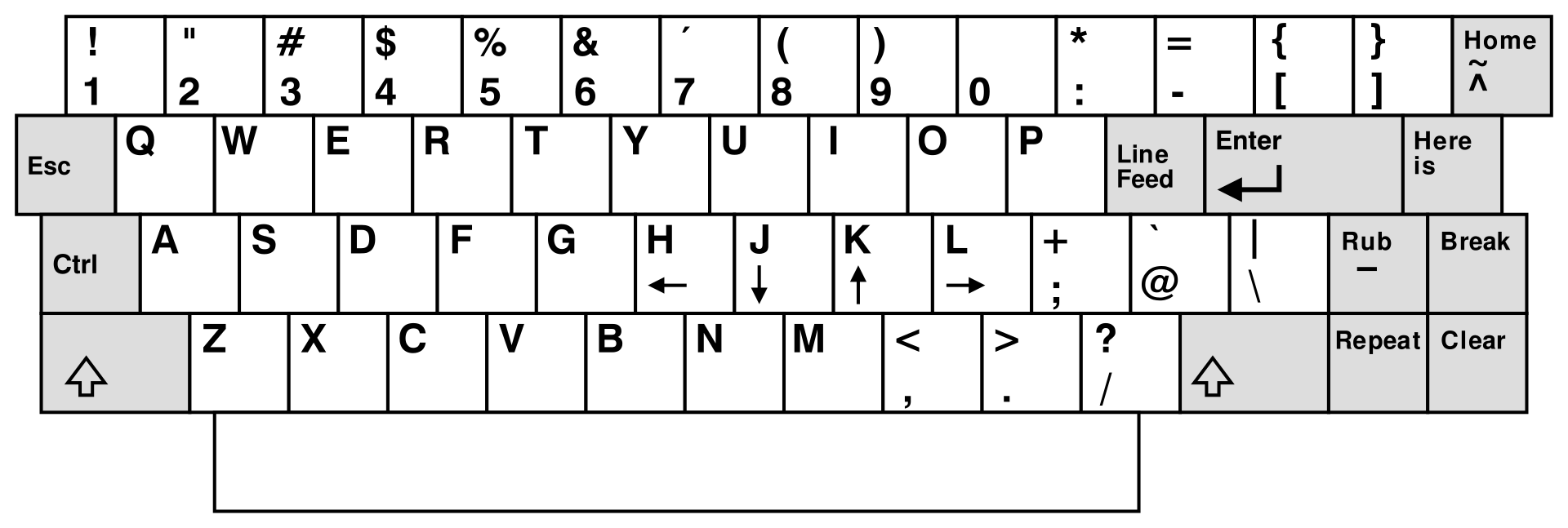
That's a common explanation for why, in Unix shells, ~ means your home directory. The same terminal left another mark that's still around: the H, J, K and L keys had arrows printed on them, and that's why vi, and later Vim, move the cursor with those four letters.
From there, the rest follows. On Unix, ~pablo means Pablo's home folder. When the web arrived, servers started publishing a folder inside each user's home at addresses like server.edu/~pablo. For years, that was how a regular person put a page online: an account on a shared machine and a tilde in the address. Paul Ford, who comes back later in this story, put it well: the ~ is "a shortcut that says: 'Here is a person.'"
1982: dial in and wait your turn #
The first public access Unix systems appeared in 1982: M-Net, in Ann Arbor, Michigan, and Chinet, in Chicago. By the late 1980s there were more than 70 of them.
There was no internet for regular people yet. You dialed the machine directly with a modem, and the number of people who could be online at the same time was the number of phone lines the system had. If there was only one modem, you kept redialing until whoever was connected logged off.
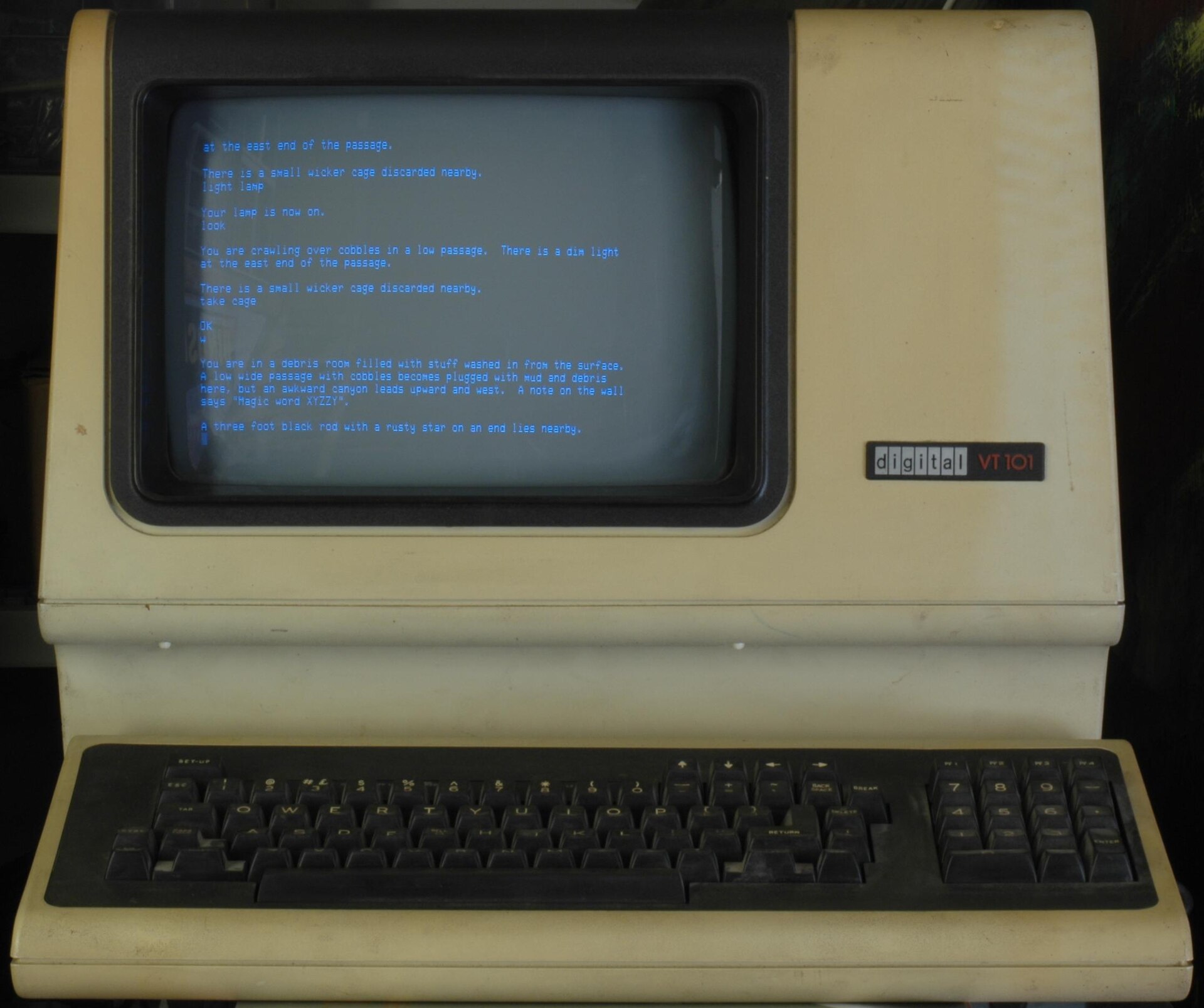
Long-distance calls were expensive, so most users lived in the same area code as the machine. The people you met online could literally live down the street, and sometimes you ended up meeting them in person. People used these systems mostly for message boards, mail and chat, close cousins of the BBSes of the same era, but running Unix, with all its tools available to anyone curious enough to learn them.
M-Net is still alive. In February 2025, SDF announced it had taken over the stewardship of the system, which it called the longest running public access Unix system.
SDF, the survivor #
SDF deserves its own chapter. It started in 1987 as a bulletin board on an Apple IIe, run by Ted Uhlemann for a group of Japanese anime fans. The name comes from the anime Super Dimension Fortress Macross. In 1990 it became a Unix system, and since then it has never stopped.
It went through almost everything a computer can go through. In 1997 it had around 15,000 users and moved to Linux. Between 2000 and 2001 it switched to NetBSD on DEC Alpha machines and moved from Texas to Seattle. In 2001 it became a nonprofit. In May 2016 it had 47,572 registered users, and in 2018 it was the largest NetBSD installation in the world.
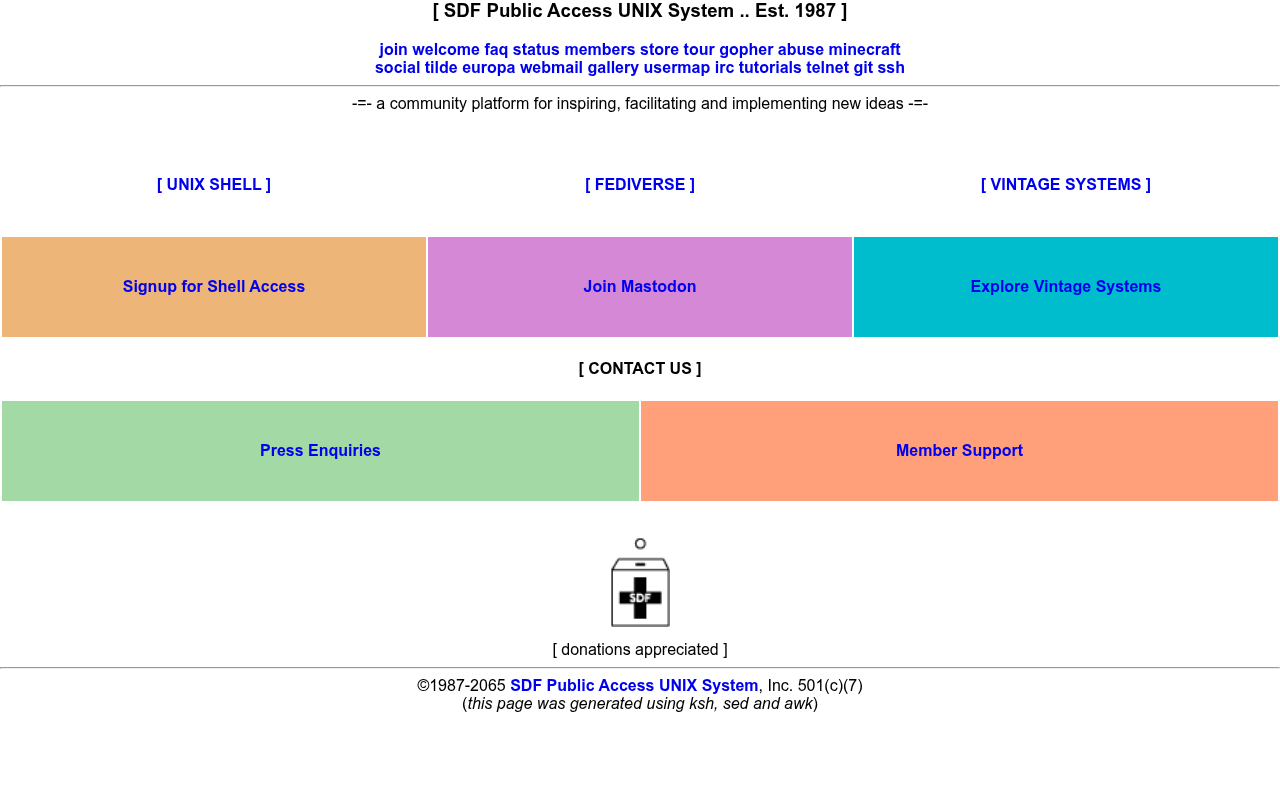
Today SDF offers a free shell account, web pages, Gopher, Mastodon, a gallery and even vintage systems you can log into, like TOPS-20 and ITS. Its home page has a copyright line that runs until 2065, and a note at the bottom says it was "generated using ksh, sed and awk."
The quiet years #
In the 1990s, two things happened. Linux appeared in 1991, and suddenly anyone with an old PC could run their own Unix server. And the commercial internet arrived, with millions of new people online.
That was good and bad for pubnixes. Access got easier, but abuse came with it: spam, attacks on other machines, illegal files. Many systems had to close down services that used to be open, like outgoing connections and, in some cases, email. Then the personal computer won, people moved their lives to Windows and Mac, and later to social networks. A handful of systems kept going, like SDF, Grex and Nyx, but for about two decades pubnixes were mostly a thing for people who already knew them.
2014: a couple of drinks and a thousand nerds #
On a night in September 2014, the writer Paul Ford was reading a 2004 post by Stevie Nicks and noticed she used tildes all over the place. He joked about it on Twitter. A friend replied that tildes were only ever properly used in front of usernames on shared hosting. A few drinks in, Ford registered tilde.club, promised a shell account to anyone who wanted one, and set up the cheapest server Amazon had.
He woke up to 100 people asking for accounts. In a few days there were around 600 members, more than a thousand on the waiting list, volunteers offering to help run the machine, and, at one point, $24 in an envelope slipped under his apartment door. People made pages, a webring, lists of who was online, and a lot of ASCII art dragons.
He told the story in an essay with a great title, "I had a couple drinks and woke up with 1,000 nerds", and repeated one sentence throughout it: "Tilde.club is one cheap, unmodified Unix computer on the Internet."
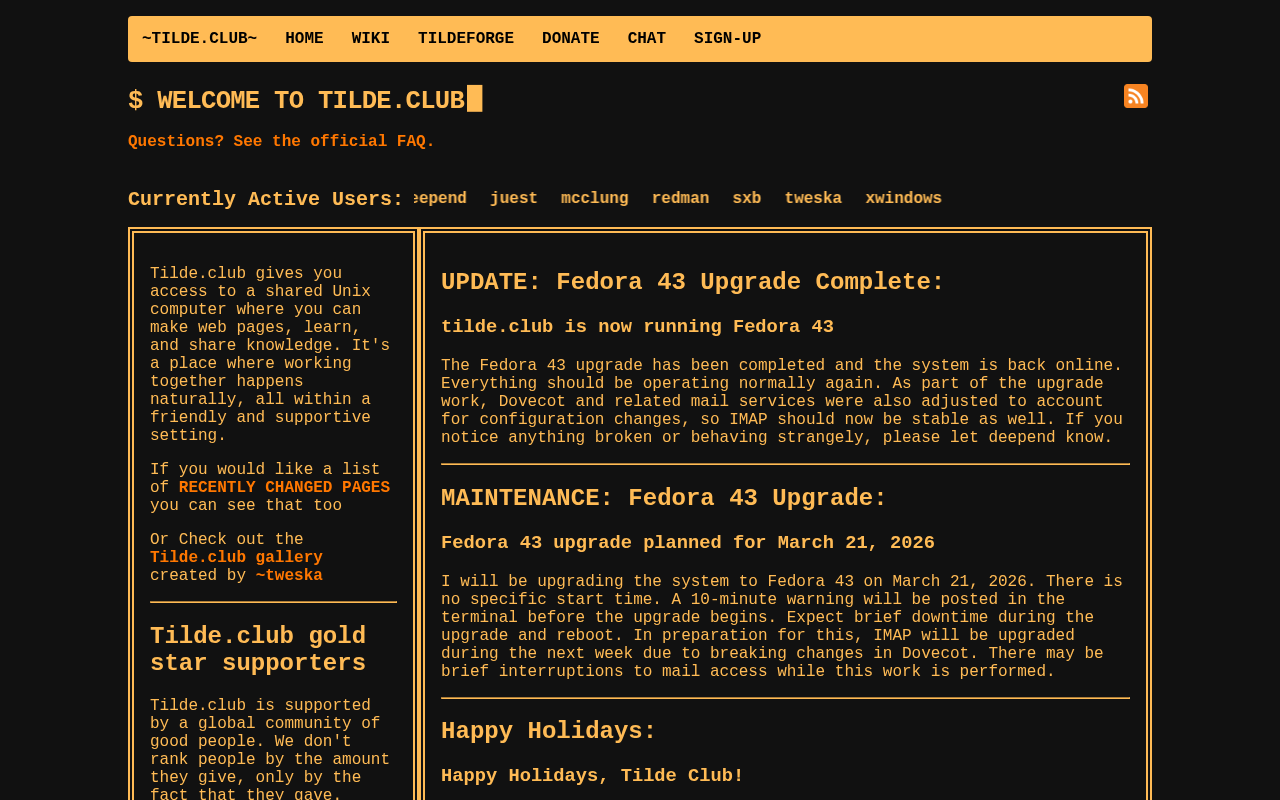
Twelve years later, tilde.club is still online, now running Fedora 43, with a list of active users at the top of the home page.
The town and the tildeverse #
tilde.club closed signups fast, and that's how tilde.town was born. Its creator, ~vilmibm, had an account on tilde.club, but by the time ~vilmibm told some friends about it, there was no room left. A few days later, on October 11, 2014, came ~vilmibm's birthday, and the present on the wish list was a social Unix server. A friend stayed up all night helping with the setup. The idea was to keep the spirit of tilde.club, but make a place friendlier to less technical people, and one that would never have a user limit.
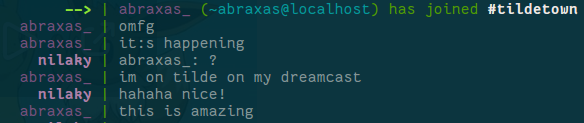
The town grew up. Today it runs on a physical server, pink and covered in stickers and graffiti, in a data center on the outskirts of Ottawa. Its members have connected from strange places, like a Sega Dreamcast:
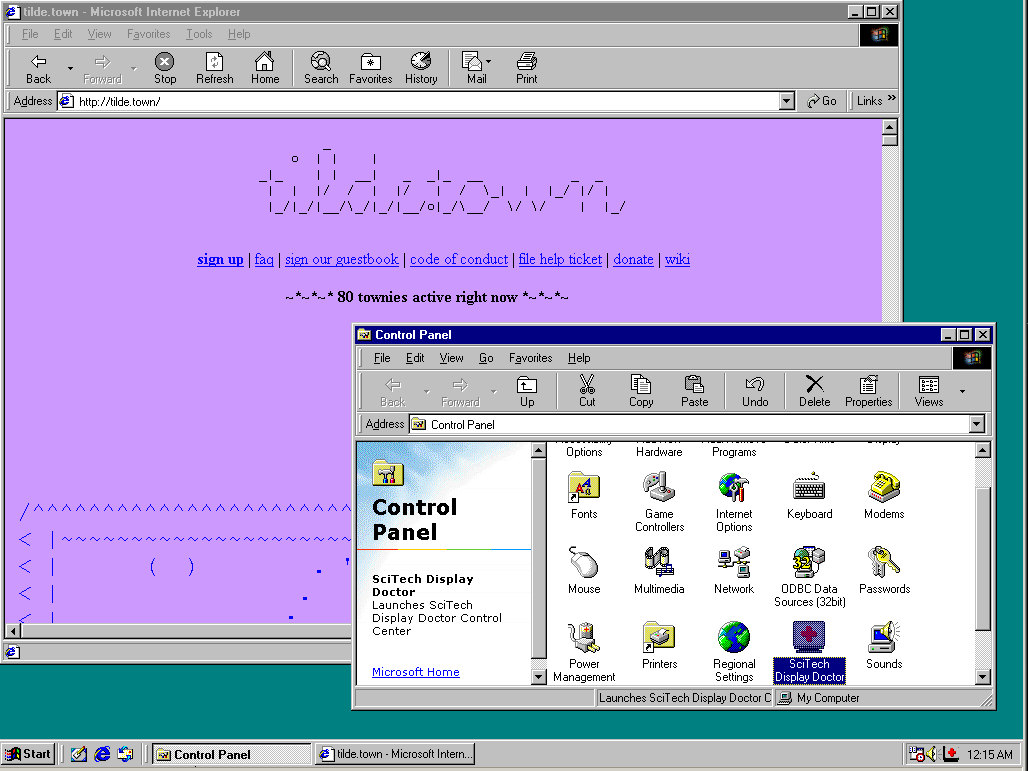
Or Windows 98, which, according to the town's founder, is "the finest OS":
Other tildes kept appearing, and in time they found each other. The tildeverse is a loose association of these communities. Membership mostly means hanging out on the shared IRC network, tilde.chat, and there's a wiki anyone with an account on a recognized tilde can edit. Each server stays independent.
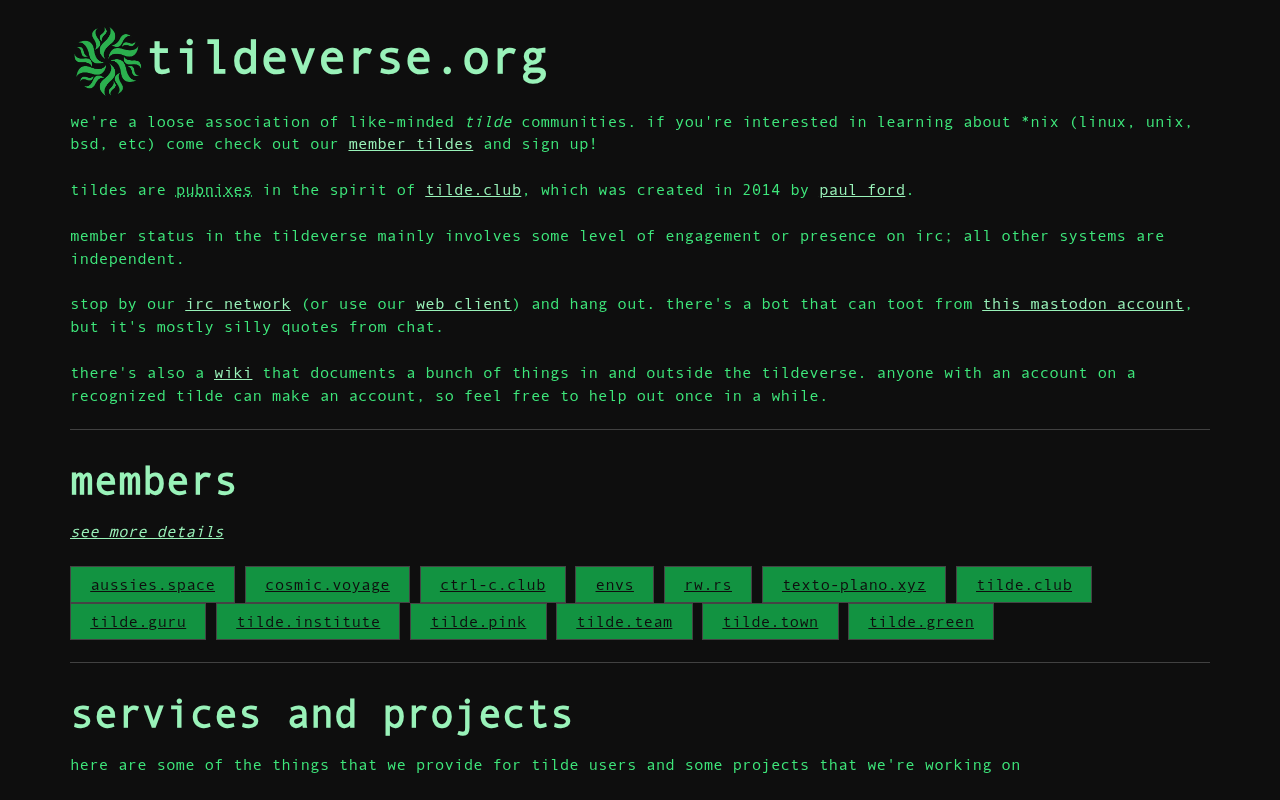
The member list today includes tilde.club, tilde.town, tilde.team, ctrl-c.club, envs.net, cosmic.voyage, texto-plano.xyz and rw.rs, which showed up in Neat Finds #02 with its sign-up by pull request. Outside the tildeverse there are many more, and each one has its own personality.
What you actually do on one #
Less than you'd think, and more than it seems. You connect with SSH, and you're on a real computer, with other people. Type who and see who's logged in. Use finger to read someone's plan. Write a page by hand in ~/public_html and see it online a second later. Join the IRC channel and talk to people who are on the same machine as you.
Every tilde grows its own little traditions. On tilde.town there's feels, a blogging platform that runs in the terminal, which showed up in Neat Finds #05. Other places have shared gardens, webrings, collaborative fiction, games and bots. A lot of people also keep a Gopher hole or a Gemini capsule alongside their web page.
And it's a very good way to learn. Nobody grades you, nobody's watching your metrics, and the worst that can happen is a broken index.html.
And then there's runv #
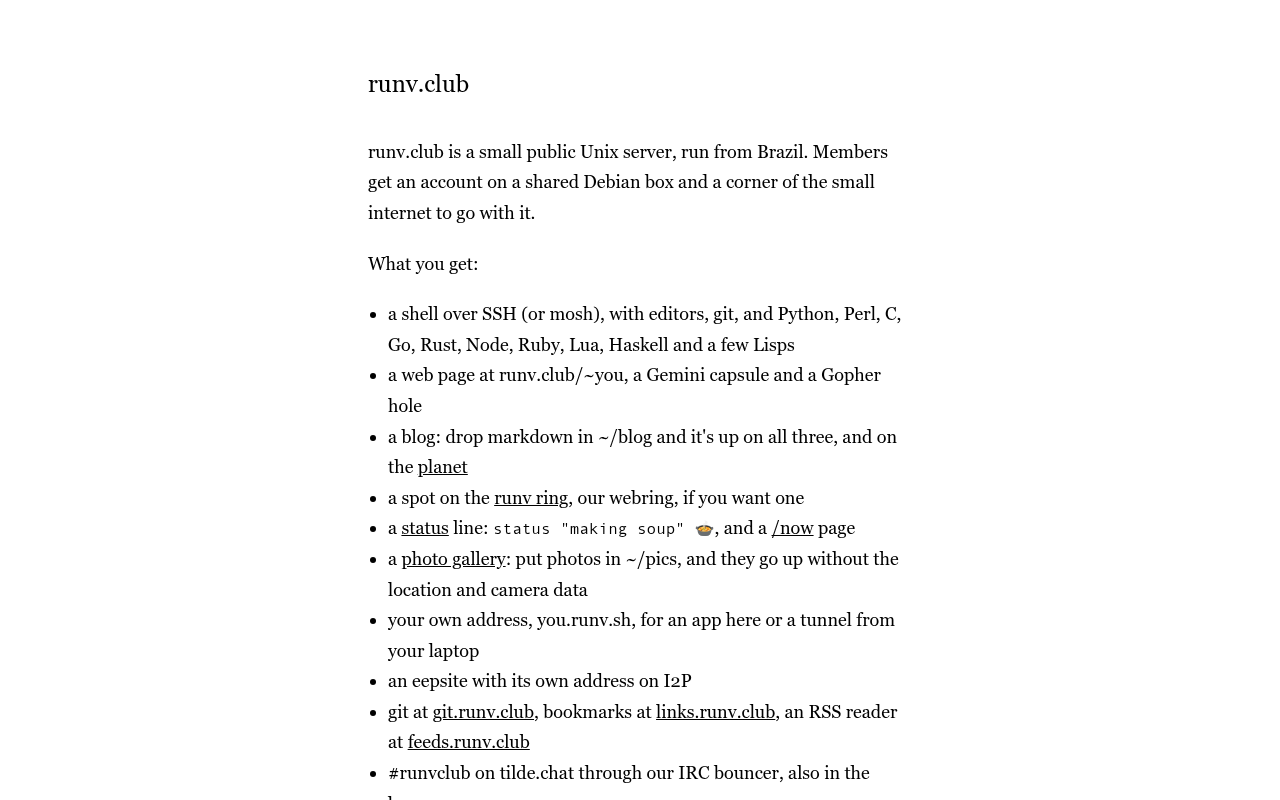
runv.club is our pubnix, a small public Unix server run from Brazil, on Debian.
The first version was online for a year and a half and closed in October 2026. Instead of burying it, the members decided together to start over, and I wrote about why we brought runv.club back. The new server is built from a repository with Ansible, the same way every time, with limits for every account and backups that go out to another machine.
It keeps the classic pieces: a shell over SSH or mosh, a page at runv.club/~you, a Gemini capsule, a Gopher hole, finger, twtxt, a forum in the terminal and #runvclub on tilde.chat. Since the relaunch, it has picked up a few new tricks:
- a blog that publishes from
~/blogto the web, Gemini and Gopher at once, and joins the planet with everyone's posts; - a status line, like
status "making soup", and a/nowpage; - a photo gallery that removes location and camera data from your pictures;
- your own address at
you.runv.sh, for an app on the server or a tunnel from your laptop; - an email address
you@runv.club, forwarded to the inbox you already use; - proofs that your Mastodon, GitHub or own site belong to you, checked by the server;
- an account on lemmy.club, a forum federated with the rest of the fediverse.
The planet already has its first posts. Every request to join is read by a person, and we let in five people a week, so the place grows slowly. You can ask at the join page or straight from a terminal:
ssh join@runv.clubrunv isn't the only one I look after. There's also noctem.cafe, a quiet OpenBSD machine, and Noctem 9, which runs Plan 9. I wrote about all three in Three small computers looking for neighbors. And if you'd like to build your own, there's a two-part guide, Build your own tilde.
Pick a machine #
Forty-four years after M-Net and Chinet, the idea is still the same: one computer, a lot of people, and a folder with your name on it. If you've never had a shell account, pick a pubnix whose rules and mood you like, read the code of conduct, make an SSH key and ask for a spot. Then type who and say hello to whoever else is there.