

Run, Android, run
Google now wants an ID for every Android developer, even outside the Play Store. How the Advanced Flow lets you keep installing what you want, why adb still walks past it, and which phones and Linux systems sit outside the fence entirely.
I think anything that puts restrictions on people who do nothing wrong, commit no crimes and only want to protect their privacy is garbage. Companies should be busy finding criminals, and Google has decided to start by asking everyone else for their papers.
What follows is what changed on Android this year, how I turned on the way around it, and where to go if you'd rather not depend on that way staying open.
What changed #
Google calls it Android developer verification. Every developer whose app gets installed on a certified Android device has to register with Google, including developers who never touch the Play Store. Registering means creating an account in the Android Developer Console, proving who you are with a government ID, paying a one-time fee of $25 and registering each app's package name and signing keys.
There's a free tier for students and hobbyists, called limited distribution. It needs no ID and no fee, but an app shared that way can only go to 50 specific devices.1
The rollout comes in waves:
- September 30, 2026: apps from participating stores in Brazil, Indonesia, Singapore and Thailand. Brazil was in the first group.
- January 2027: the global rollout starts with seven distributors (Google Play, Galaxy Store, Honor, Oppo, Xiaomi, Transsion and Vivo).
- The months after that: every country, and every installation source, including an APK you download from a developer's own website.
It covers certified devices on Android 8 or newer, and it arrives through Google Play services. You don't need a system update to get it, and staying on an old version won't keep you out of it.2
Google's reason is fraud. Scammers call people, talk them into installing a fake banking app and empty their accounts, and verification lets Google tie every app to a real person. The Keep Android Open campaign, backed by F-Droid, the EFF, the FSF, the Tor Project, Proton, LineageOS, GrapheneOS and dozens of others, answers that this gives one company the final say over what runs on a phone it didn't sell you. F-Droid called it an existential threat.3
The Advanced Flow #
For people who want to keep installing whatever they choose, Google added what it calls the Advanced Flow. I've turned it on, and this is how it goes.
It's a one-time setup. First, the Developer options have to be visible. On my Samsung that means Settings, About phone, Software information, then tapping Build number seven times. After that:
Source
digraph flow {
  graph [rankdir=TB, fontname="Helvetica", margin="0.4,0.12", nodesep=0.3, ranksep=0.35];
  node [shape=box, style="rounded", fontname="Helvetica", fontsize=11, margin="0.4,0.12"];
  edge [fontname="Helvetica", fontsize=10];
  a [label="Developer options on"];
  b [label="Allow apps from unverified developers"];
  c [label="Confirm nobody is coaching you"];
  d [label="Restart and unlock again"];
  e [label="Wait 24 hours"];
  f [label="Confirm with fingerprint, face or PIN"];
  g [label="Choose: 7 days or indefinitely"];
  h [label="Install anyway, app by app"];
  a -> b -> c -> d -> e -> f -> g -> h;
}- Find the switch. It lives in Settings, System, Developer options, and it's called "Allow apps from unverified developers".
- Say nobody is pushing you. A screen asks whether someone is telling you to do this. It's aimed at the person on the phone with a fake bank clerk.
- Restart and unlock. The restart drops any remote-access session or call a scammer might be using.
- Wait a day. There's a 24-hour delay before the change can be confirmed. It happens once, during setup, and not on every install.
- Prove it's you. After the wait, the phone asks for your fingerprint, face or PIN.
- Pick how long. The permission lasts seven days or stays on indefinitely.
- Install. Every app from an unregistered developer still shows a warning, with a button that says "Install anyway".
The waiting day is the part people complain about most. Google says it's there to break the urgency scams depend on, since nobody keeps a victim on the line for 24 hours. For someone who knows what they're doing, it's one slow day and then the phone behaves like it did before, minus one extra tap per install.
adb walks right past it #
The verification FAQ says it plainly: apps installed through adb don't need verification, and the Advanced Flow wait doesn't apply to them either. If you already have a computer and a cable, nothing changes.
$ adb devices
List of devices attached
R5CY1234ABC    device
$ adb install app-release.apk
Performing Streamed Install
Success
Source
$ adb devices
List of devices attached
R5CY1234ABC    device
$ adb install app-release.apk
Performing Streamed Install
Success
Since Android 11 this works over Wi-Fi too, after pairing once with the code shown under Wireless debugging:
$ adb pair 192.168.0.50:37115
Enter pairing code: 482913
Successfully paired to 192.168.0.50:37115
$ adb connect 192.168.0.50:41845
connected to 192.168.0.50:41845
Source
$ adb pair 192.168.0.50:37115
Enter pairing code: 482913
Successfully paired to 192.168.0.50:37115
$ adb connect 192.168.0.50:41845
connected to 192.168.0.50:41845
It's the same adb I used to clean up my Galaxy, and it doesn't care about any of this.
Apps you build yourself are fine too. Compile, install over adb, and Google never hears about it. If you want to hand your app to friends, the free limited distribution account covers up to 50 phones.
Stores outside Google #
I use every route I can, and with the Advanced Flow on, they all keep working, with the warning on each install. The two most common ones:
- F-Droid builds open source apps from their source code and signs them itself. Version 2.0 of its client, rewritten from scratch, came out in September.
- Obtainium watches the releases of projects on GitHub, GitLab, Codeberg and similar sites and installs the APKs the developers publish, without a store in the middle.
The open question is what happens to F-Droid when the global rollout reaches all sources. Most of its apps carry F-Droid's signature, not the developer's, so there's no single person behind each one for Google to verify.
Phones outside the fence #
The checks only run on certified devices, the ones that ship with Google's apps and pass Google's tests. A phone running a system Google never certified doesn't run them at all.
- GrapheneOS focuses on security and privacy. It runs on Pixels, and the Motorola Signature 27 was announced in September as the first phone from another brand it will support.
- LineageOS is the community Android, with the widest list of supported phones.
- /e/OS ships without Google, with microG standing in for some of its services.
The usual catch applies. Some banking apps and a few games check whether the phone is certified and refuse to run otherwise.
Leaving Android altogether #
If the problem is the landlord, you can also move out. Linux on phones has been slow and rough for years, and it's still not as polished as Android, but there are more choices now than ever.
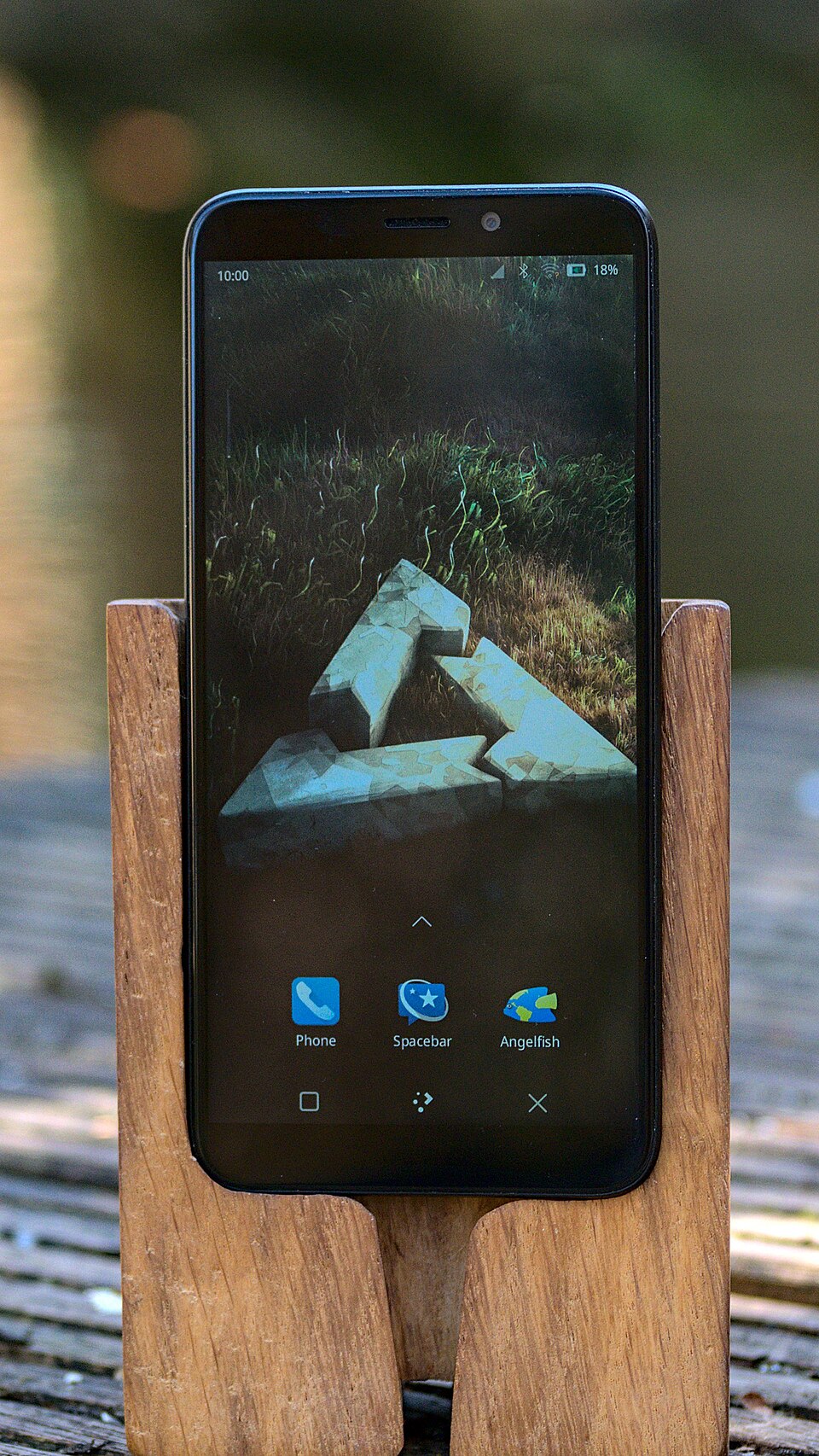
- postmarketOS is built on Alpine Linux, with a base system of about 6 MB, and its goal is to keep phones useful for ten years. It supported an estimated 723 device models early this year, and release 26.06 shipped in June with GNOME 50, Plasma Mobile 6.6 and Phosh to choose from.
- Mobian is Debian for phones, and Droidian runs Debian on phones that originally came with Android, reusing their Android drivers.4
- Ubuntu Touch, kept alive by the UBports community, is now based on Ubuntu 24.04.
- Sailfish OS came back with a new Jolla Phone, which started shipping this year. It runs Android apps through a compatibility layer called AppSupport.
- FuriOS runs on the FuriPhone FLX1s, a Debian-based phone with hardware kill switches for the microphone, camera and modem, and Android apps in a container.
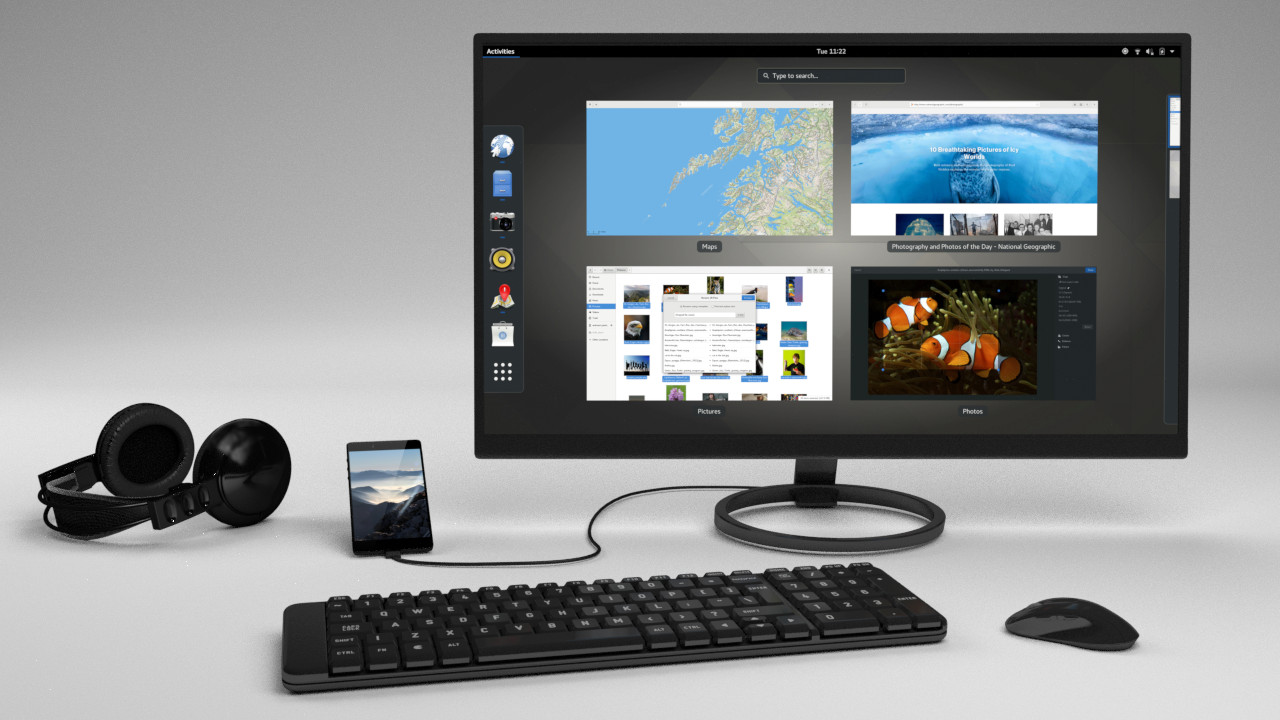
- PureOS runs on Purism's Librem 5, which can also turn into a desktop with a monitor, keyboard and mouse.
For the apps you can't live without, Waydroid runs a full Android system inside a container on Linux, on phones and on desktops.
Where I stand #
The Advanced Flow is on and adb is one cable away. I'd rather not count on Google keeping that door open forever, so it's worth knowing where the other ones are.
Notes
-
The limit started at 20 devices and went up to 50 in November. Some of Google's own pages still say 20. ↩
-
The checks don't run on certified devices that are physically in countries under comprehensive sanctions. Google exempted them. ↩
-
F-Droid builds most apps in its catalog itself and signs them with its own key, so the developer-by-developer model doesn't fit how it works. ↩
-
Droidian uses Halium, a layer that lets regular Linux talk to the Android drivers a phone already has, instead of waiting for open drivers to be written. ↩